
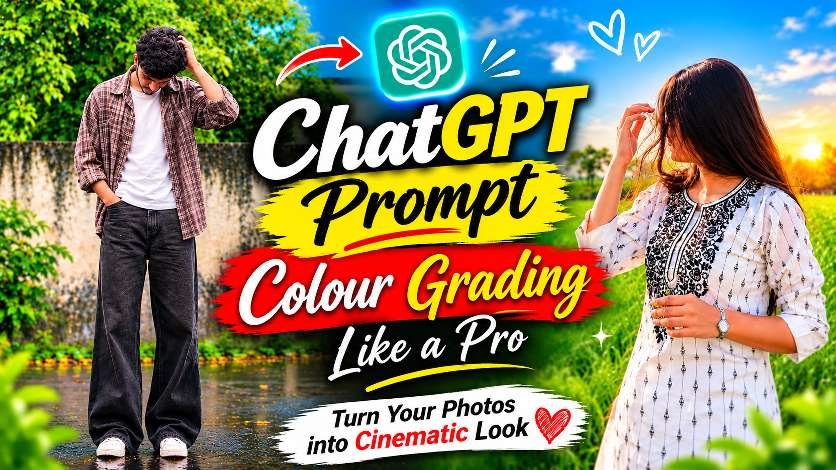
Want to give your ordinary photos a stunning cinematic look? A new photo-editing trend is going viral on Instagram, where creators are using ChatGPT prompts to transform their pictures with professional colour grading effects. This technique can make simple outdoor photos look like beautifully edited cinematic photographs.With the help of ChatGPT, you can enhance your photos with rich colours, dramatic lighting, natural skin tones, and professional-looking visual effects
What Is the ChatGPT Colour Grading Trend?
The ChatGPT colour grading trend is a popular AI photo-editing technique that helps creators improve the overall appearance of their pictures. It focuses on enhancing colours, contrast, brightness, shadows, and highlights.Many Instagram creators are experimenting with cinematic colour grading to make their everyday photographs look more attractive and professional.
Why Is This Photo Editing Trend Going Viral on Instagram?
Instagram is full of creative photo-editing trends, and cinematic colour grading is one of the styles attracting attention.People love this effect because it gives ordinary pictures a completely different visual appearance. Beautiful lighting, vibrant greenery, balanced skin tones, and cinematic colours can make a photograph stand out in an Instagram feed.It is also a great way for content creators to give their posts a consistent and eye-catching appearance.
How ChatGPT Helps You Create Cinematic Colour Grading
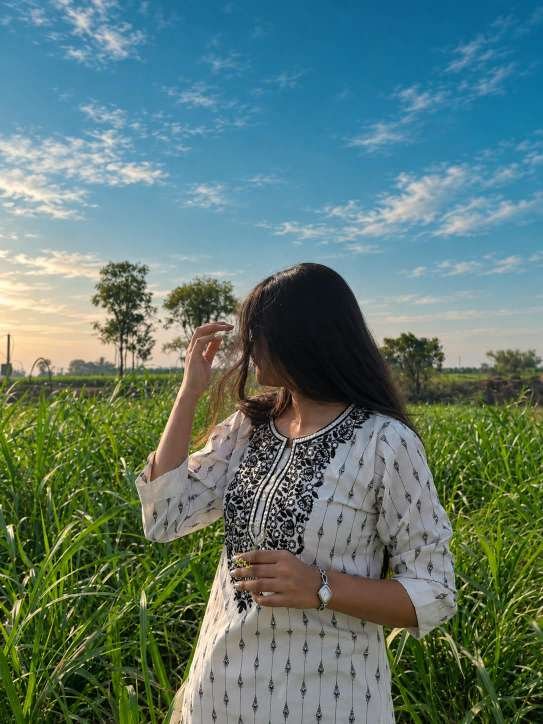
ChatGPT can help you create detailed photo-editing instructions based on your desired visual style. You can describe the colours, lighting, contrast, and mood you want in your photograph.For example, you can ask for a cinematic teal-and-orange look, warm golden-hour lighting, deep shadows, enhanced greenery, and natural skin tones.The goal is to enhance the original photograph while keeping the person’s identity, facial features, clothing, and background as natural as possible.
Give Your Photos a Professional Cinematic Look
Professional colour grading is not jEach style gives your photograph a different atmosphere and visual personality. ust about making a picture brighter or more colourful. It is about creating the right balance between different tones.You can experiment with several popular styles, including:
- Cinematic teal and orange Tone
- warm golden-hour colour grading
- Moody dark cinematic effects
- Natural green and earthy tones
- Soft aesthetic colour grading
Perfect for Instagram Reels, Posts and Stories
If you regularly create Instagram content, cinematic colour grading can help make your photographs more visually appealing.You can use your edited pictures for Instagram posts, couple photography, profile pictures, aesthetic stories, and creative social media content.This trend is especially interesting for creators who enjoy experimenting with AI photo editing and want to try something different with their pictures.

Final Thoughts
The ChatGPT colour grading trend is an exciting way to experiment with AI-assisted photo editing. Instead of settling for ordinary photographs, you can explore different cinematic styles and create eye-catching results.Whether you are a beginner or an experienced content creator, experimenting with colour grading can help you develop your own photography style.Try this trending ChatGPT photo-editing technique and give your pictures a fresh cinematic appearance. Share your results on Instagram and see how your creativity transforms your photographs!