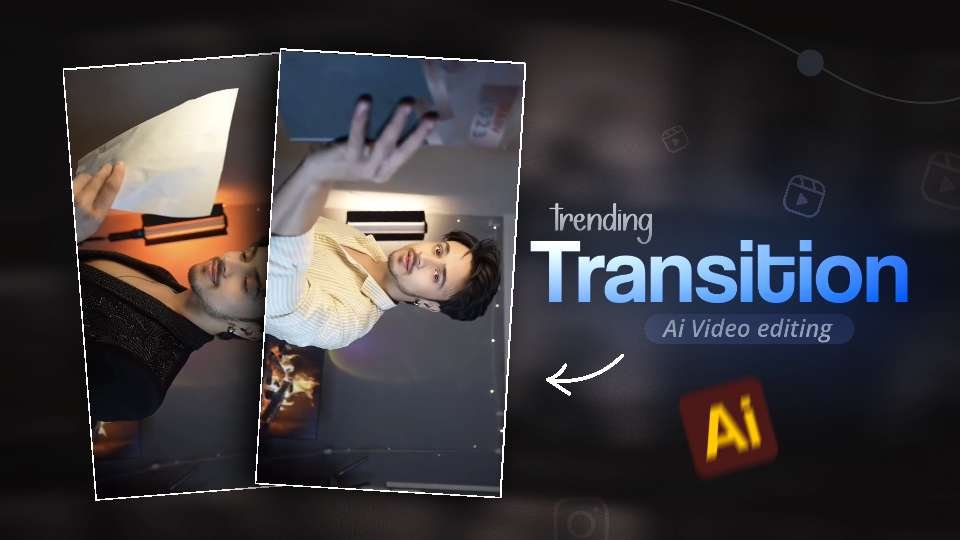
AI video editing is becoming one of the biggest trends on Instagram, and creators are constantly exploring new ways to make their photos look more attractive. One of the most exciting trends is transforming ordinary photos into cinematic videos with smooth transitions and realistic AI-powered motion.With Flow AI, you can experiment with creative photo-to-video transformations and turn simple pictures into eye-catching video content. This editing trend is perfect for Instagram Reels, YouTube Shorts, and other social media platforms.
What Is the Trending AI Photo to Video Transition?
AI photo-to-video transition editing is a creative technique that transforms still photographs into moving video scenes. Instead of using traditional editing methods, AI technology helps bring images to life with realistic movements, cinematic effects, and smooth visual transitions.This trend is gaining attention because creators can make impressive videos using just a few photographs. The final result can look like a professionally edited cinematic transition.
How Flow AI Helps Create Stunning Videos
Flow AI makes AI-powered video creation more accessible for content creators. It allows users to experiment with image-based video generation and creative visual transformations.You can use your selected photographs as visual references and explore different video styles. Depending on the selected settings and available features, AI can generate motion, camera movements, and transitions that make your photos feel more dynamic.It is a great option for creators who want to try something different without spending hours on traditional video editing.
Turn Your Normal Photos into Cinematic Videos
One of the most interesting things about AI video editing is how it can transform ordinary photographs into visually engaging content. You can select two or more photographs and experiment with different transition styles. The goal is to create a smooth visual connection between the images while maintaining a natural and attractive appearance. For better results, choose high-quality photographs with clear faces, good lighting, and similar camera angles. These details can help improve the overall visual consistency of your AI-generated video.
Create Instagram Reels with Trending AI Effects
Short-form videos are extremely popular on Instagram, and creative transitions can help make your content stand out.AI-generated photo transitions are suitable for personal edits, fashion videos, cinematic portraits, couple edits, and creative transformation videos.You can also combine your generated video with suitable background music, sound effects, and simple editing adjustments to make the final reel more engaging.A clean transition and attractive presentation can make a big difference in the overall quality of your content.
Use @video1 as the strict reference for all actions, gestures, head and hand movements, timing, camera angle, framing, rotation, close-ups, transitions, outfit changes, editing, lighting and set.Replace the young man in @video1 with the person in @image1 in EVERY frame, from the very first frame to the very last frame, including both face close-ups, when the book or a hand covers the face, when the head is turned sideways, and during every transition. Never show the original man’s face, not even for one frame. FACE RULE — every single shot is a NEW render of the person from @image1, never a copy of the original pixels from @video1: shot 1 (book), shot 2 (first face close-up), shot 3 (book), shot 4 (second face close-up), shot 5 (book swipe), shot 6 (letter) and shot 7 (blazer poses) all show the same face, skin tone, hair and facial hair as @image1. This applies most of all right after each book-swipe transition and in the close-ups.Preserve the complete face and identity of @image1: same face shape, eyes, eyebrows, nose, lips, jawline, beard or moustache (or none), skin tone, hair and gender. Never blend or morph with the original face.CLOTHING RULE: in the everyday shots — 0.0–0.5s, 2.2–3.7s and 4.9–5.7s — the person wears ONLY the exact outfit shown in @image1: the same garments, same colours, same fit and same style as in the photo. Do NOT copy any everyday clothes from @video1. From the book-swipe transition at 5.7s until the end (5.8–10s) the person wears the black shiny party blazer exactly as in @video1. Keep all outfit changes and transitions at the same moments as in @video1. Keep the room, the dark wall, the warm orange lamp light and the lighting exactly as in @video1. ROTATION RULE: the whole video keeps the same sideways / rotated camera angle as @video1 in EVERY shot — the person’s head lies sideways in the frame exactly like in @video1, including both face close-ups and the second book shot (2.2–3.7s). No shot is ever turned upright or straightened. Do not add a new room or new props. PROP: the dark teal hardcover book (with a small red label on its top corner) that the man holds in @video1 must be in the person’s hand in every everyday shot, exactly as in @video1 — never remove it and never replace it with an empty hand.ACTION (follow @video1 exactly, same timing):1. 0.0–0.5s: the person faces the camera in the everyday outfit, holding the dark teal book up in one hand close to the lens on the side of the frame, then sweeps the book across the lens as the transition.2. 0.6–2.1s: right after the book swipe, a close-up of the person’s full face in front of the warm orange lamp, sideways / rotated, framed exactly like this close-up in @video1. It is the face of @image1 — same eyes, eyebrows, skin tone, hairstyle and facial hair — looking into the lens with a soft confident look.3. 2.2–3.7s (starts exactly at 2.2s, not earlier): back to the everyday outfit, same sideways framing and same camera distance as the first shot, the person holds the dark teal book up beside the lens with fingers spread on its cover, with a confident look, then sweeps the book across the lens.4. 3.8–4.8s (starts exactly at 3.8s, not earlier): a second close-up of the person’s full face in front of the warm orange lamp, sideways / rotated, framed exactly like this close-up in @video1. It is the face of @image1 — same eyes, nose, lips, moustache, beard (or clean-shaven skin) and skin tone — with a slight smile and natural lip colour.5. 4.9–5.7s: everyday outfit again, holding the dark teal book, the person sweeps the book across the lens for the outfit-change transition.6. 5.8–7.3s: in the black shiny blazer, the person holds up a white paper letter beside the face and looks at the camera, lips softly closed.7. 7.4–10s: the letter is gone; the person poses in the black blazer under the warm orange lamp light, slowly turning the head, with soft confident smiles and expressions, exactly as in @video1. The lips stay softly closed the whole time — no singing in the black blazer shots.LIP-SYNC: the person softly sings “guzarishon pe” in Hindi TWO times, short and quick, not stretched, exactly when the man in @video1 sings it:0.0–0.7s: “guzarishon pe” (first time)0.7–2.3s: silent, lips completely closed and still during the whole first close-up2.3–3.3s: “guzarishon pe” (second time, back in the outfit from @image1)After 3.3s there is no singing at all until the end, especially not in the black blazer shots from 5.8s to 10s: lips stay softly closed, only expressions copied from @video1.AUDIO: soft gentle singing voice that matches the person in @image1 of “guzarishon pe” two times at the times above, otherwise silence; no music, no other voices.NEGATIVES: upright or straightened shots, shots starting earlier than in @video1, lip movement in the first close-up, pink or purple lip tint, missing book, empty hand instead of the book, the original man’s face in the close-ups, the original face appearing after a book-swipe transition, everyday clothes copied from @video1, the original cream shirt in the everyday shots, singing or lip movement in the black blazer shots, a third “guzarishon pe”, singing at any other time, long held notes, original man’s face, identity swap, face morphing, appearance drift, extra people, altered actions, distorted hands, extra fingers, flickering, new scenes, text, captions, subtitles, logos, watermarks.
Flow AI photo-to-video editing is an exciting way to explore the future of creative content creation. With AI-powered motion and trending transition effects, even simple photographs can become attractive cinematic videos.If you enjoy creating Instagram Reels, experimenting with AI tools, and trying new editing trends, this photo-to-video transition technique is definitely worth exploring.Try this trending AI editing style, create your own unique video, and share your results with your audience!